


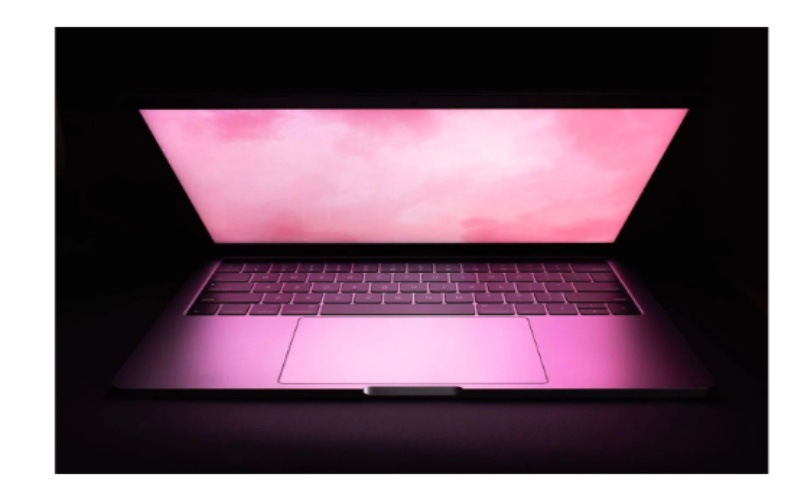
The pink screen of death (kernel panic) on MacBooks is one of the most common and unpleasant problems faced by users of these devices. This error can occur for various reasons.
Hardware Malfunctions
One of the common causes of the MacBook pink screen is hardware component malfunctions. Let’s examine the most common examples:
- RAM problems. RAM can be improperly installed, have a manufacturing defect, or fail.
- Hard disk malfunctions. More often than not, disk failures result in a pink screen error.
- Malfunctions of other components: video card, processor, controllers.
To eliminate malfunctions of hardware components that lead to the pink screen error, as a rule, you need to contact a service center and repair or replace parts.
Software errors
Software malfunctions are another typical cause of the pink screen of death on MacBooks. Let’s consider the most common situations:
- Driver conflicts. Installing incompatible device drivers can cause a crash.
- Operating system damage. For example, virus infection, update failure, and partial corruption of system files.
- Errors in applications, especially low-level, hardware-related applications.
Reinstalling problematic applications or updating the operating system is usually sufficient to correct software errors that cause the pink screen.
Improper use
Improper use of your MacBook can also lead to this problem. Let’s explore the most frequent scenarios:
- Improper shutdown of the MacBook. A rough interruption of the system can lead to errors.
- Overheating of the device. Due to dust accumulation in the cooling system or its insufficiency under high loads.
To avoid errors due to improper use of MacBook, you must keep the device clean and cool and follow the rules of safe shutdown.
Ways to Solve the Problem
To get rid of the pink screen on a MacBook, you need to identify and fix the root cause of the error. This process can be challenging and lengthy, necessitating particular expertise. Let’s look at the main ways and recommendations for troubleshooting.
Checking and replacing hardware components
If the cause is hardware, only replacing the faulty component RAM, storage, video card, etc. will help. A skilled technician’s help might be needed.
Software reinstallation or update
If the failure is due to drivers or OS, reinstalling the system or updating the problematic drivers will help. It can be done on your own.
Resetting the power management controller settings
Sometimes, failures are caused by the SMC chip settings. Resetting them will return the controller to a stable state. The reset procedure is simple.
You may also be interested in the article why MacBook won’t charge.
Firmware update
It will fix errors in the MacBook’s low-level software. Firmware updates can be performed from the operating system settings.
The exact cause and the best way to solve the pink screen problem can be determined by MacBook diagnostics performed by a qualified technician. Such diagnostics will reveal both hardware malfunctions with the help of specialized equipment and software failures inaccessible to the user.
Source: Apple Parts Blog
